
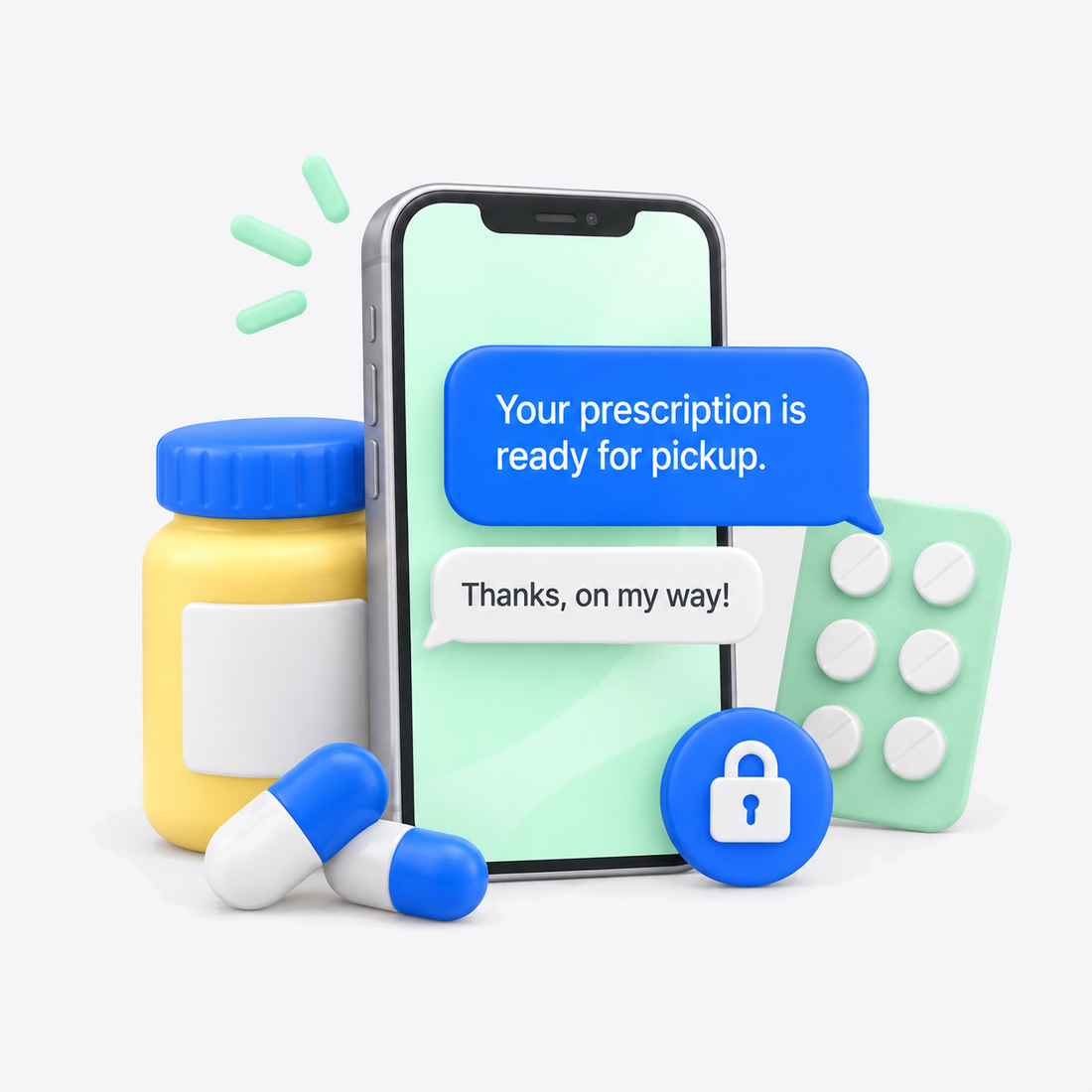
Pharmacy teams manage prescriptions, patient questions, administrative tasks, and a steady flow of phone calls throughout the day. Routine updates and patient outreach can add even more work for already-busy staff.
Patients frequently need updates about their prescriptions or other pharmacy services. Pharmacy text notifications give patients another way to receive important information without relying on a phone call.
Incoming and outgoing calls can pull staff away from other tasks. Two-way SMS gives patients a convenient way to communicate with your pharmacy while helping staff manage routine conversations more efficiently.
Patients may need reminders about prescriptions, refills, pickups, or other pharmacy services. Automated SMS notifications make it easier to keep patients informed without requiring repeated manual outreach.
Pharmacy communication can continue after an initial prescription or patient interaction. SMS follow-ups make it easier to keep patients informed and engaged without adding more calls to your staff’s workload.

Textline offers HIPAA-compliant texting for healthcare organizations, with safeguards designed to protect patient information. Built-in patient consent helps pharmacies manage consent before communicating protected information through SMS.

Textline offers pre-built integrations and a developer-friendly API to connect texting with other tools your pharmacy already uses. Automate certain notifications, responses, and follow-ups to add even more efficiency to your staff’s workflow.

Use bulk SMS to efficiently send appropriate updates and announcements to groups of patients. Replies create individual conversations, allowing staff to continue communicating directly with each patient.

Give patients an easier way to communicate with your pharmacy without overloading your staff. Use two-way SMS to answer routine questions and keep conversations moving from a centralized platform.

Send automated pharmacy text notifications for approved workflows such as reminders, status updates, and follow-ups. Automation helps your team communicate important information without manually contacting each patient.

Give pharmacy staff a shared place to manage incoming and outgoing text conversations. A centralized inbox helps keep patient questions and follow-ups visible without relying on individual phones or voicemail.
Here’s what Textline can look like across a typical pharmacy communication workflow.
When an approved update is available, your pharmacy can send an SMS notification directly to the patient’s phone.
Automated or staff-initiated messages can help patients stay on top of appropriate prescription, pickup, refill, or pharmacy-related information.
If a patient has a question, they can respond directly. Staff can manage two-way SMS conversations alongside other patient messages without another round of phone tag.
When appropriate, use SMS to remind patients about approved next steps or pharmacy services without requiring staff to make individual outbound calls.
Patient responses remain within a centralized messaging platform, helping pharmacy staff manage conversations and follow-ups more efficiently.
<p style="text-align: center;">Improve the patient experience with secure, two-way SMS that makes notifications and routine communication more efficient for patients and pharmacy staff.</p>
<p style="text-align: center;">Get a Demo</p>
<p style="text-align: center;">View Pricing</p>
Try Textline for free. No credit card required.

of patients who received SMS updates, felt more connected to their care teams. — Journal AAOS
of patients want text reminders to schedule appointments. — PatientPop
of Americans own a cell phone of some kind. — Pew Research Center
Mobile carriers require registration for business texting. This involves submitting information about your practice and how you plan to use text messaging.
Textline helps your pharmacy complete this process through registration forms in the app. These forms collect the information needed for your submission, and Textline guides you through the registration process.
While registration is underway, prepare your team’s messaging workflow, appointment reminders, and response templates. Your practice will also need to complete its HIPAA plan setup and sign a Business Associate Agreement (BAA) before using the HIPAA messaging offering for pet owner communication.
Yes. Textline offers HIPAA-compliant texting designed for healthcare organizations. Its HIPAA offering includes safeguards for protected patient information and built-in patient consent. Pharmacies should still follow their own privacy, security, and communication policies when determining what information to send by text.
Textline offers pre-built integrations as well as an API for connecting texting with other business tools.
Yes. Textline is designed to help teams manage business text conversations from a centralized platform, making it easier for staff to collaborate on patient communication rather than relying on individual phones.
Textline supports bulk SMS messaging, which can help pharmacies communicate appropriate information to groups of patients efficiently. Replies create separate conversations, allowing staff to continue communicating with each patient individually.
Pharmacies should ensure bulk messages follow applicable consent, privacy, and communication requirements.
Textline provides consent and opt-out tools designed to help businesses follow texting requirements. Its HIPAA offering includes a built-in consent process before protected information is exchanged through SMS.
Pharmacies can use business texting for approved workflows such as patient reminders, status notifications, routine questions, pharmacy updates, and follow-up communication.
Exactly what information your pharmacy sends should depend on the message, patient consent, applicable privacy requirements, and your organization's communication policies.
Yes. Textline supports two-way SMS, allowing patients to respond and staff to continue the conversation through the platform rather than requiring a separate phone call.
Give your team a convenient way to manage notifications, patient questions, and follow-ups while keeping HIPAA compliance front and center.


This software was the "one" IT solution that saved our medical practice during COVID. What we realized is that most, if not all of our patients, were very happy with this experience. The main goal was to keep our patients safe and out of the waiting room until their room was ready. Trying to do this over the phone would have been a communications nightmare. When COVID goes...if ever, we will continue to use this form of communication.
Using Textline daily, and having used other similar services in the past, the ease of use is not something to overlook. No more entering the same contact information into eight different services. We use the desktop version in the office and couldn't be happier. The integration with Pipedrive is seamless, and the scheduled messages are so simple to set up. Having Textline HQ available to walk you through anything is another great feature.
I really enjoyed using Textline for collection purposes… I do highly recommend this product. The software was very easy to use. I liked being able to set the time when texts would be sent. I liked being able to converse with anyone that responded. However, there is an option to have a canned response. I never used that option, but I'm sure it would benefit most companies. The customer service was great and answered in a very timely manner.
Explore Textline’s available integrations to see how texting can fit into your pharmacy’s existing workflow. Review the supported tools and connection options to find an approach that suits how your team manages everyday communication and administrative tasks.