
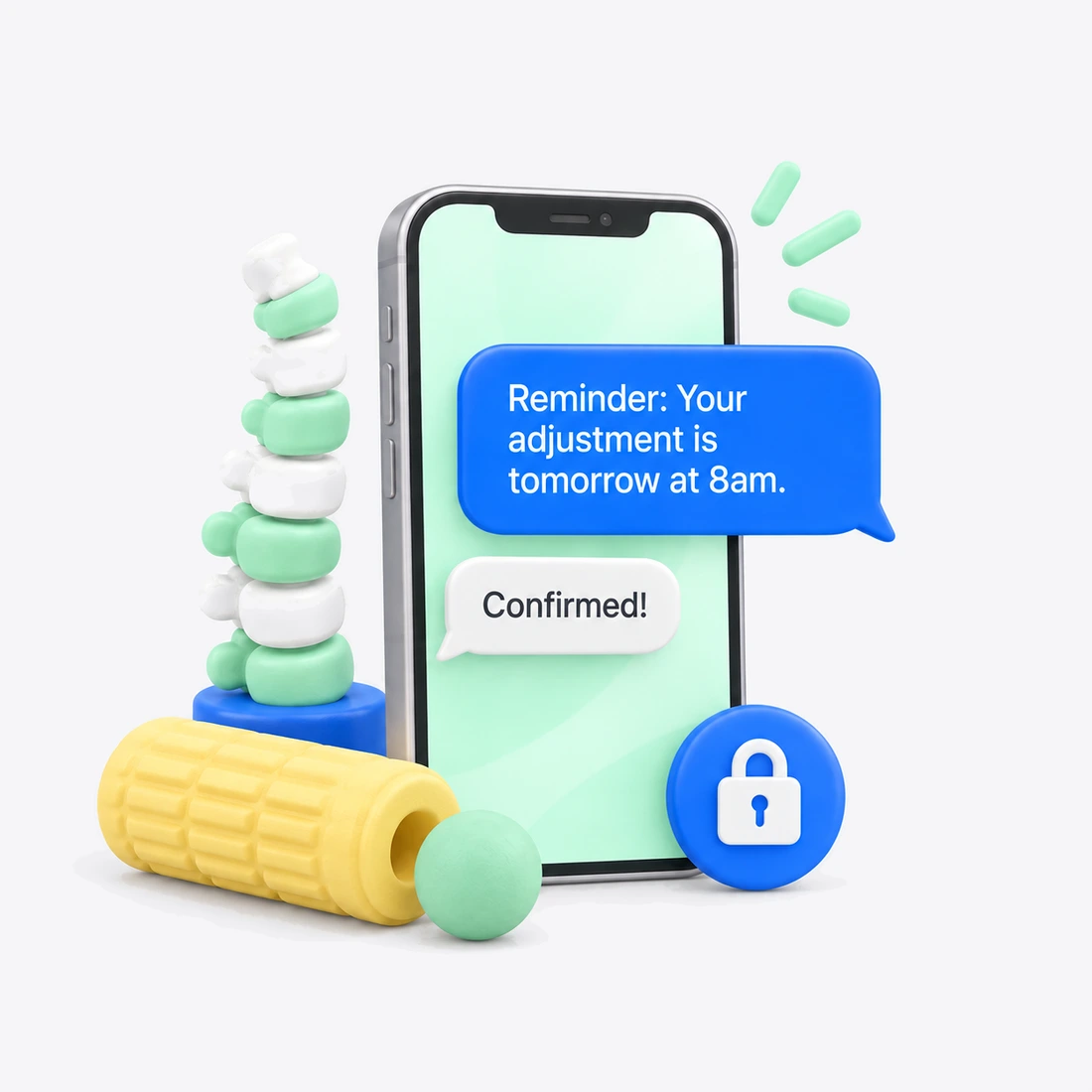
Successful chiropractic care requires patients to show up consistently, but front desk staff are often too busy with scheduling and patient requests to send reminders and follow-ups.
One skipped chiropractic adjustment can turn into two, and suddenly a patient is weeks behind on their care plan. Missed visits can affect outcomes, disrupt scheduling, and make it harder to keep patients engaged in their treatment.
Your CAs are checking patients in, collecting payments, scheduling future visits, and answering phone calls all at once. Confirmations and phone tag often pull them away from the patient standing in front of them.
Patients who feel better often stop scheduling before their treatment is complete or before maintenance care begins. Reaching out one by one takes time your team doesn't have.
New patients show up without their paperwork, and re-exam dates are easily overlooked during busy weeks. Missing forms and delayed re-exams can slow down visits and throw off your schedule before the first adjustment of the day.

Text visit details, treatment plan updates, re-exam reminders, and confirmations without worry. HIPAA accounts for healthcare clinics include end-to-end encryption, audit logs, a signed BAA, and built-in patient consent capture.

Send reminders before every adjustment to keep patients on their recommended visit frequency and make it less likely they’ll fall behind on care. Patients reply to easily confirm, cancel, or reschedule, and your staff can backfill cancelled slots fast.

Send bulk texts for patient follow-up and practice announcements or reach patients who are due for a re-exam, overdue for an adjustment, or ready to transition into maintenance care. Segment your list so each message reaches the right group, and relax knowing replies come back as individual conversations.

Patients can text when they're running late, need to reschedule, or have questions about soreness after an adjustment. Turn on after-hours auto-replies so they know when to expect an answer.

Doctors, CAs, and front-desk staff can see and manage patient conversations in one place. Route reschedule requests to the scheduler and billing questions to your office manager so nothing gets lost between adjustments.
From a new patient evaluation to ongoing maintenance adjustments, here’s how texting software for chiropractors keeps your schedule full and your front desk calm.
When a new patient books, Textline sends a confirmation text with the visit time, office location, and a link to your intake forms. Patients arrive with paperwork complete so the exam starts on time.
Automated chiropractic appointment reminders are sent out 24–48 hours before scheduled visits — whatever works best for your practice. Patients can reply "C" to confirm or "R" to reschedule, reducing missed adjustments and keeping them consistent with treatment.
If a patient misses an appointment, a friendly text can invite them to rebook before they fall behind on their care plan. After a first adjustment or a new treatment, a quick "How are you feeling?" message gives patients an easy way to flag concerns before the next visit.
Confirmations, reschedule requests, and patient questions land in a shared inbox that your front desk, CAs, and doctors can all see. Reschedule requests go to the scheduler, and clinical questions go to the right provider.
Send a bulk text to patients who are due for a re-exam, ready to transition to maintenance care, or who haven't booked in a while. Include a link to schedule online and bring them back into wellness care.
<p style="text-align: center;">See how Textline can help your chiropractic clinic answer patient questions, send reminders, keep treatment on track, and bring lapsed patients back — all in a single HIPAA-compliant inbox.</p>
<p style="text-align: center;">Get a Demo</p>
<p style="text-align: center;">View Pricing</p>
Try Textline for free. No credit card required.

of patients who received SMS updates, felt more connected to their care teams. — Journal AAOS
of patients want text reminders to schedule appointments. — PatientPop
of Americans own a cell phone of some kind. — Pew Research Center
Mobile carriers require registration for business texting. This involves submitting information about your practice and how you plan to use text messaging.
Textline helps your chiropractic clinic complete this process through registration forms in the app. These forms collect the information needed for your submission, and Textline guides you through the registration process.
While registration is underway, prepare your team’s messaging workflow, appointment reminders, and response templates. Your practice will also need to complete its HIPAA plan setup and sign a Business Associate Agreement (BAA) before using the HIPAA messaging offering for pet owner communication.
Yes. Textline offers HIPAA-compliant accounts for chiropractic clinics, including end-to-end encryption, a signed BAA, audit logs, and administrative controls. Our patented, built-in consent process helps your practice obtain and document patient consent before you send a single text.
Yes. Textline connects with popular business tools like Keragon, Zapier, and Slack and offers a developer-friendly API for custom connections. Connecting your systems helps keep appointment data and patient messages in sync without double entry.
Yes. Your doctors, CAs, and front-desk team can work from a shared inbox at the same time. Our texting software for chiropractors allows you to assign conversations, route reschedule requests to your scheduler, and see who handled each patient message.
Patients can opt out at any time by replying with a keyword like STOP. Textline automatically removes these patients from your messaging list and sends a confirmation, ensuring your office doesn't have to track opt-outs by hand.
Creating your account takes just a few minutes, but carrier rules require registration for business texting. This can add some approval time. You can complete registration with Textline’s built-in form and start testing the platform while you wait for approval.
You can send chiropractic appointment reminders and confirmations, new patient intake form links, missed-visit follow-ups, post-adjustment check-ins, re-exam reminders, maintenance care outreach, recall notices, holiday hour announcements, and event invitations such as wellness workshops. You can also schedule messages to go out at specific times.
Yes. You can send chiropractic appointment reminders or recall texts to a single patient or a segmented group from a HIPAA-compliant number. Custom fields like patient name, appointment time, and provider can be filled in automatically, so every message feels personal. Each reply arrives as its own conversation in your inbox.
HIPAA-compliant texting software for chiropractors allows you to easily automate appointment reminders, answer patient questions, and reactivate lapsed patients. Explore pricing to find the plan that best fits your practice


This software was the "one" IT solution that saved our medical practice during COVID. What we realized is that most, if not all of our patients, were very happy with this experience. The main goal was to keep our patients safe and out of the waiting room until their room was ready. Trying to do this over the phone would have been a communications nightmare. When COVID goes...if ever, we will continue to use this form of communication.
Using Textline daily, and having used other similar services in the past, the ease of use is not something to overlook. No more entering the same contact information into eight different services. We use the desktop version in the office and couldn't be happier. The integration with Pipedrive is seamless, and the scheduled messages are so simple to set up. Having Textline HQ available to walk you through anything is another great feature.
I really enjoyed using Textline for collection purposes… I do highly recommend this product. The software was very easy to use. I liked being able to set the time when texts would be sent. I liked being able to converse with anyone that responded. However, there is an option to have a canned response. I never used that option, but I'm sure it would benefit most companies. The customer service was great and answered in a very timely manner.
Explore Textline’s available integrations to see how texting can fit into your chiropractic clinic’s existing workflow. Review the supported tools and connection options to find an approach that suits how your team manages everyday communication and administrative tasks.